Hardware
Three anchors, one tag, a printer.
Section titled “Three anchors, one tag, a printer.”Everything is sold off the shelf by Makerfabs. The cases are parametric OpenSCAD: if your module changes, the case follows.
| Component | Role | Quantity | Source |
|---|---|---|---|
| MaUWB ESP32S3 (DW3000 + PA) | Anchor (fixed, around the stage) | 3 minimum, 6 recommended, 8 maximum | Makerfabs |
| MaUWB Direct | Tag (worn by the performer), or extra anchor | 1 per performer | Makerfabs |
| USB-C cable | Data, not charge-only | 1 per anchor | — |
| USB power supply, 5 V 1 A minimum | Anchors | depends on cabling | — |
| PLA or PETG filament | Cases | a few tens of grams per case | — |
| Laser distance meter | Venue calibration, millimetre precision | 1 | you already own one |
A minimal kit — three anchors in a triangle, never in a line, mounted at 2–3 m, one tag — is enough for 2D tracking on a theatre stage. Plan for six: it’s the configuration at Douze Dix-Huit. Redundancy absorbs occlusion by a body or a set piece, different heights open up 3D, and auto-calibration — anchors measuring themselves against a cross of tags, no laser — is all the better constrained. Details in the guide: Required hardware.
Printable cases
Section titled “Printable cases”Two parts, base and snap-on lid, FDM with no supports. Designed for the MaUWB ESP32-S3 module (PCB 73 × 33 × 12 mm). OpenSCAD sources and STL in the repository, under CERN-OHL-P v2.
Anchor case
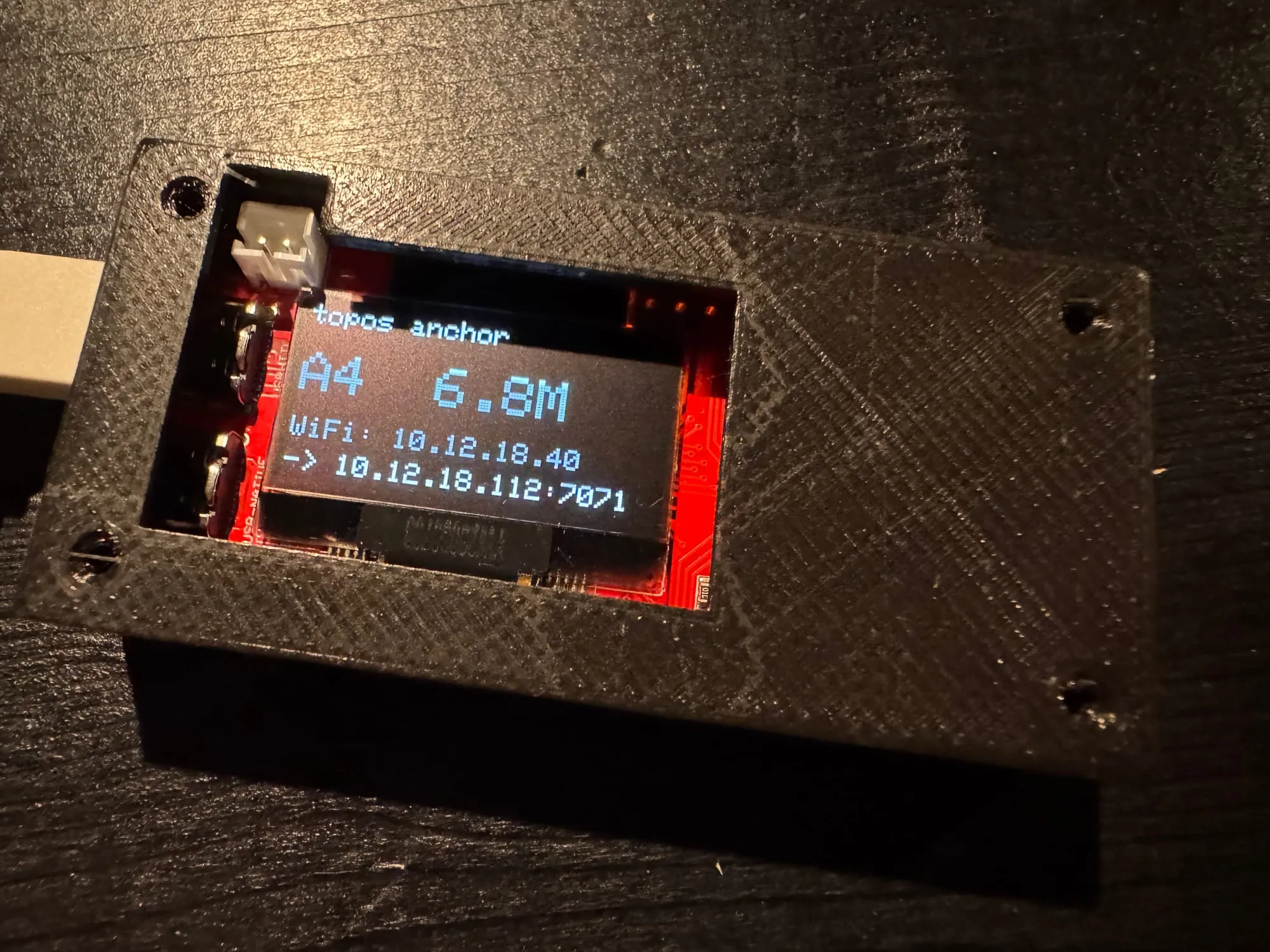
USB-C and OLED on the front face, UWB antenna kept clear. 2 mm walls, 1.6 mm floor and lid.
- Module
- MaUWB ESP32-S3
- Material
- PLA or PETG
- Supports
- none
Tag case
Worn by the performer. In design.
- Module
- MaUWB Direct
- Status
- coming
Printed cases
The first assembled anchors are pictured in the gallery; validated print settings land here next.
Anchor firmware
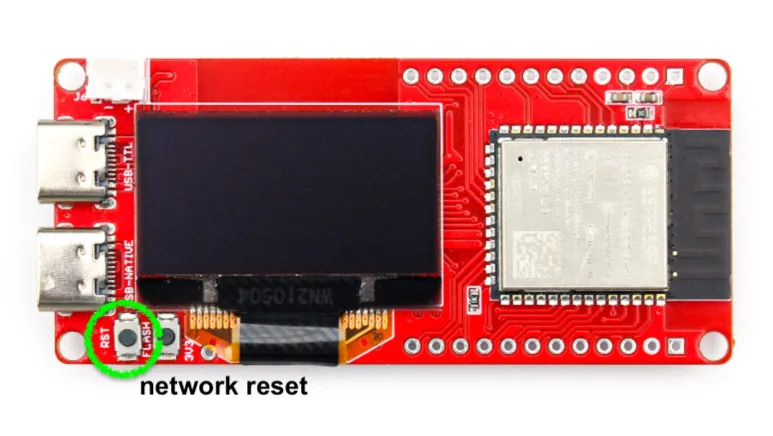
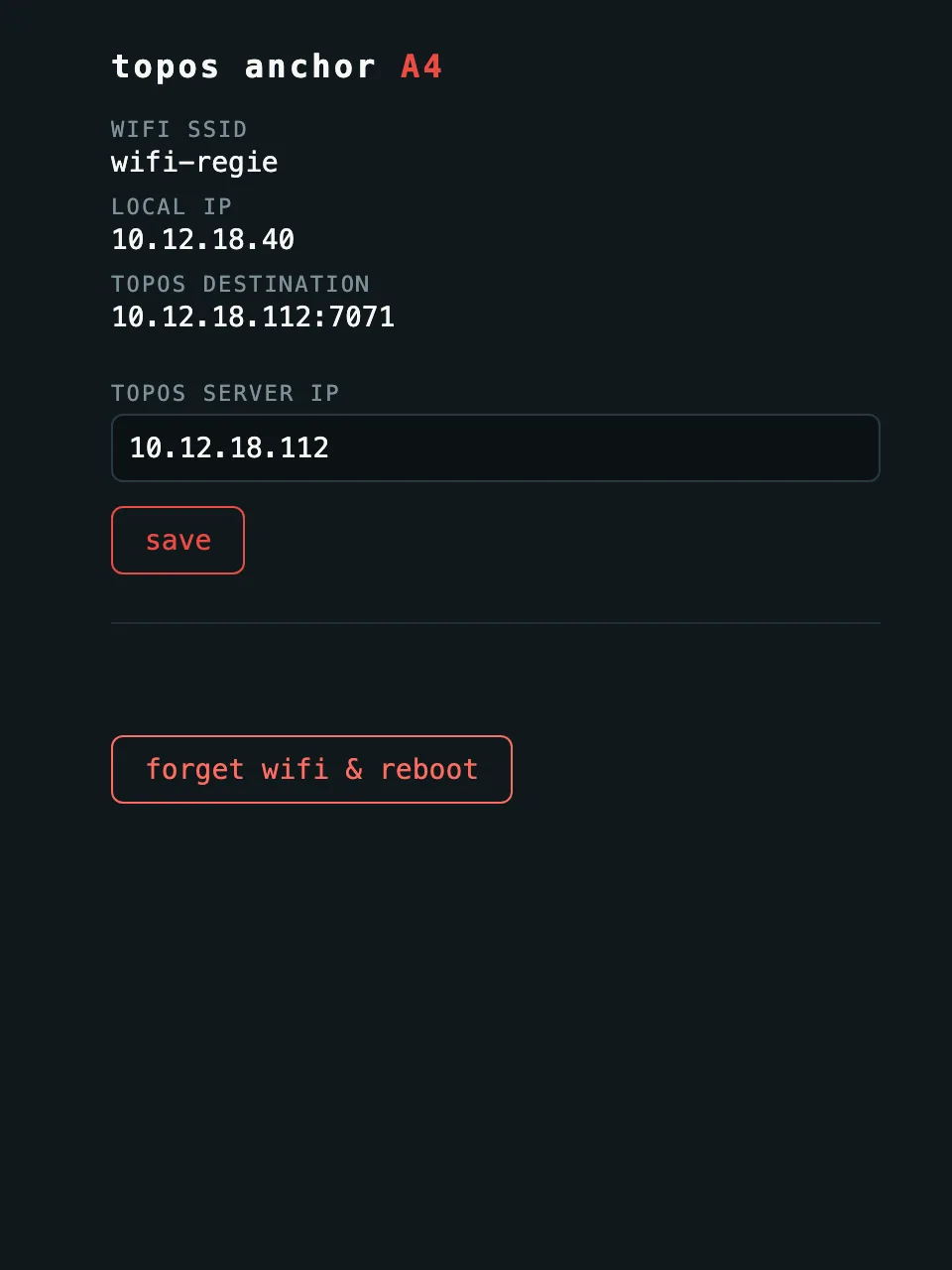
Section titled “Anchor firmware”Arduino for ESP32-S3: UWB ranging, WiFi via captive portal (no reflash per venue), UDP streaming to Topos, OLED showing the anchor ID and IP. One parameter to change per anchor before flashing: its number.
What Topos does not ask of you
Section titled “What Topos does not ask of you”No board to fabricate, no component to solder. Modules arrive ready to flash; tags are configured from the Topos dashboard, no Arduino IDE. A 3D printer for the cases, and that’s it.